Skip the intro, resume, roll on.
Intros, recaps and credits out of the way, and your place kept wherever you stop. All designed for a remote and the far side of the room.
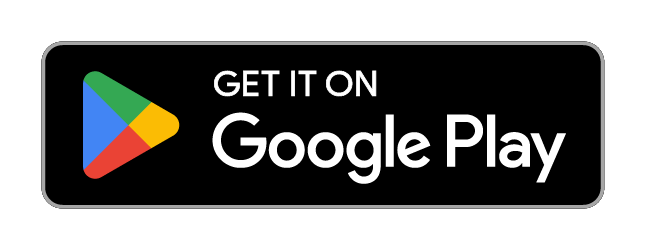
Never lose your place
Pick up exactly where you left off.
Every title remembers your spot, kept per profile, and saved even if you press Back mid-episode.
Time remaining reads as 1h23 left, with a subtle badge over the artwork for in-progress titles.
One episode into the next
The show keeps rolling, on your terms.
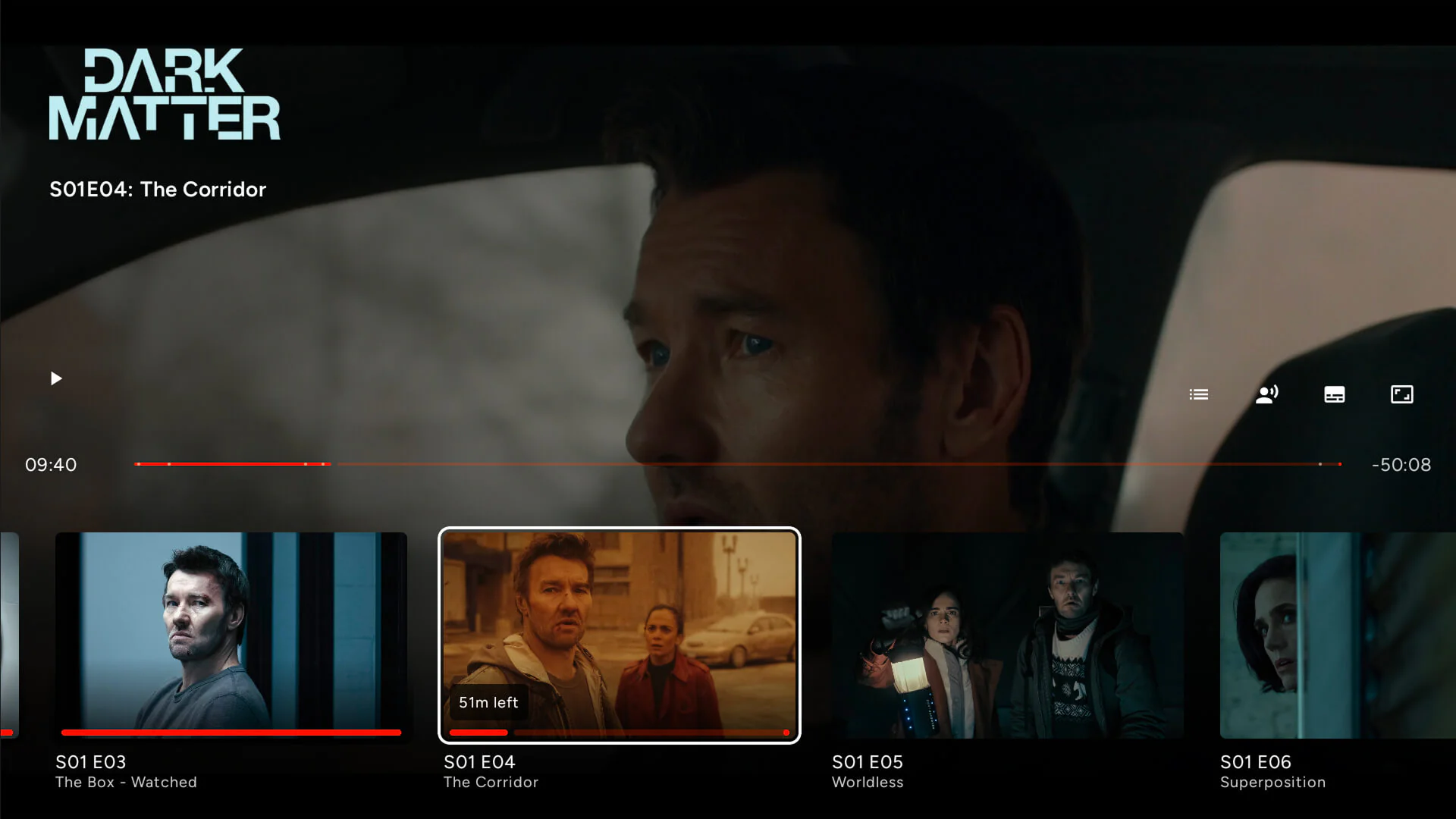
Optional, with a countdown you can cancel from the Play button.
A banner that appears as the credits start and steps back if you rewind, without stealing focus.
Press down and every episode appears in a single strip, so you can pick another one without leaving playback.
Jump to any chapter
Navigate without leaving the screen.
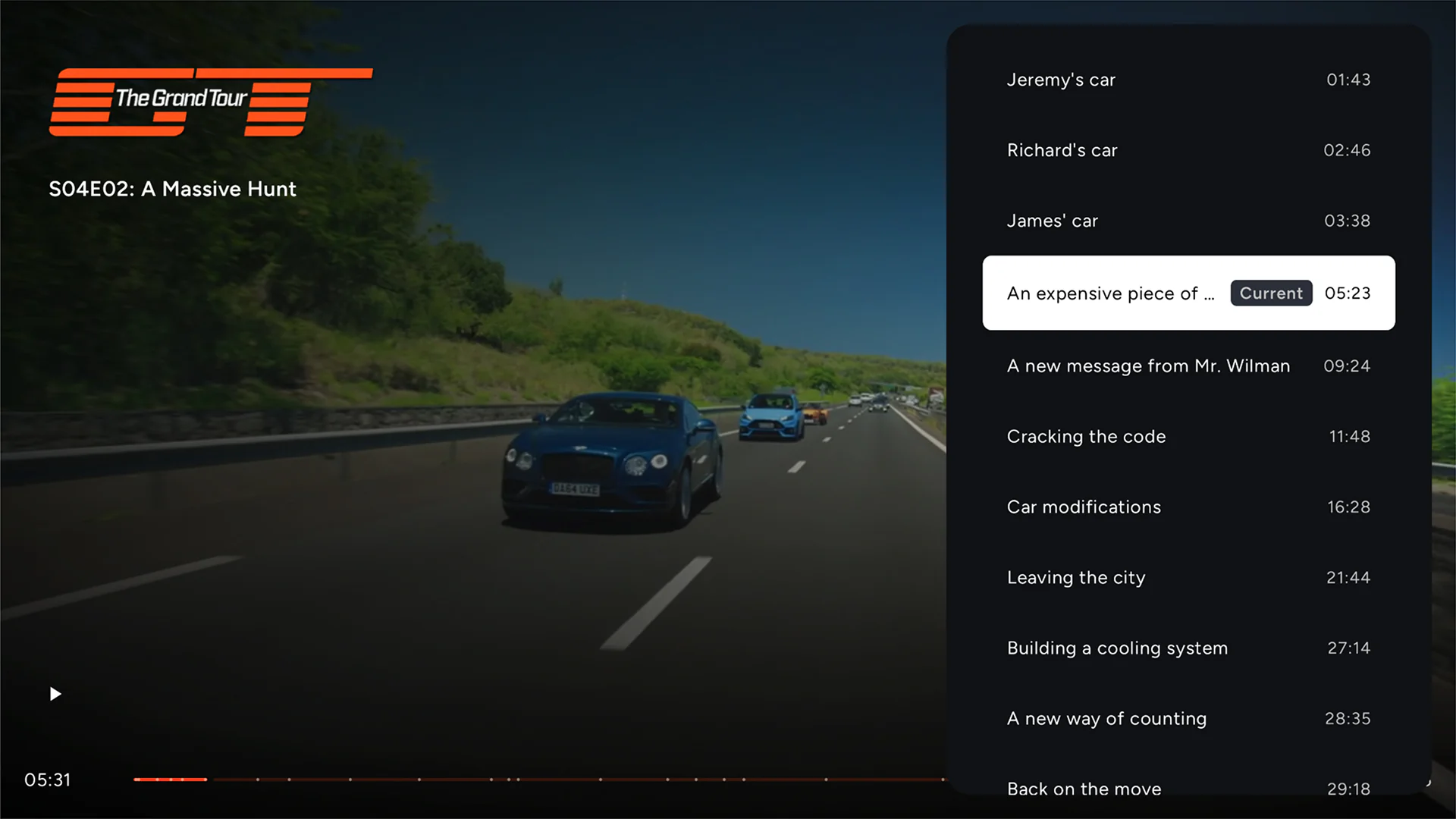
Markers on the seek bar and a Chapters button to jump straight to one.
Intros, recaps, and outros get a Skip button in the transport row, or auto-skip if you prefer.
A clean fast-forward and rewind indicator, and support for hardware media keys on remotes.
No spoilers until you get there
The next episode stays a surprise until you watch it.
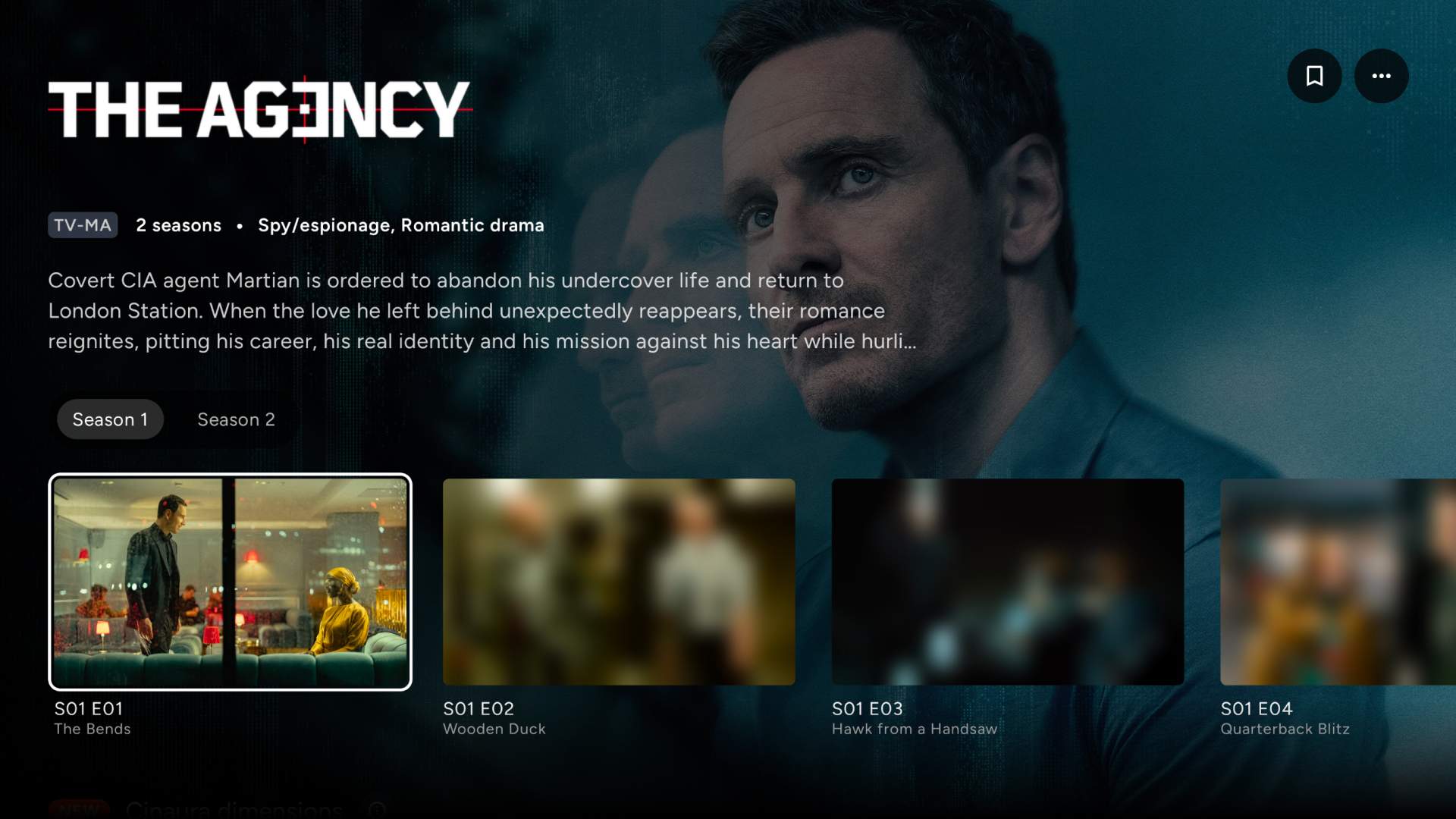
Thumbnails for episodes you have not reached stay out of focus, so a frame cannot give away where the season is going.
The description stays out of sight too. No recap spoiling the episode it is describing.
Each episode comes into focus the moment you have watched it, with nothing to switch off afterwards.
Even more under the hood
The details enthusiasts ask for.
Send what you watch to your Trakt account, with background retry when you are offline.
A live overlay of frame rate, display refresh, codec, resolution, audio format, and bitrate as the file plays.
Continue Watching and Up Next appear in the Android TV launcher rows.
Switch off the Profile 7 enhancement layer on devices that cannot handle it, and the picture falls back cleanly.
Send the original Dolby and DTS bitstream to your receiver or soundbar to decode, untouched.
More of what Cinaura does
Connect any storage into one library.
Every file becomes a proper title.
The best thing to watch is already yours.
Your files, at full quality.
Watch in any language.
A shared TV that stays yours.
Get more back out of the library you already built and unlock additional features. One payment, no subscription.
Your media library. On your own terms.
A serverless personal media library for Android TV. Bring your movies and shows together from every source into one calm, beautiful interface.