Your Dropbox, as a library on Android TV
Already keep movies and shows in Dropbox? Cinaura connects to it and turns those files into a proper library on your TV, with posters, metadata and a calm interface, instead of a file list.

Download Cinaura from the Google Play Store onto your Android TV. No server and no setup wizard. It is running in about two minutes.
Add Dropbox as a source. Scan the QR code with your phone, sign in to Dropbox once, and your account is linked. Your files stay yours.
Cinaura scans your Dropbox, identifies your videos, and fetches posters, backdrops and metadata, presenting them as a clean library you can browse and keep.
More than a file browser. A library.
Playing videos straight from Dropbox usually means scrolling a folder of file names. Cinaura treats your Dropbox content as a collection: it groups franchises and seasons, fetches artwork and details, and remembers where you left off, so your TV feels less like a file browser and more like your own streaming service.
Not just Dropbox
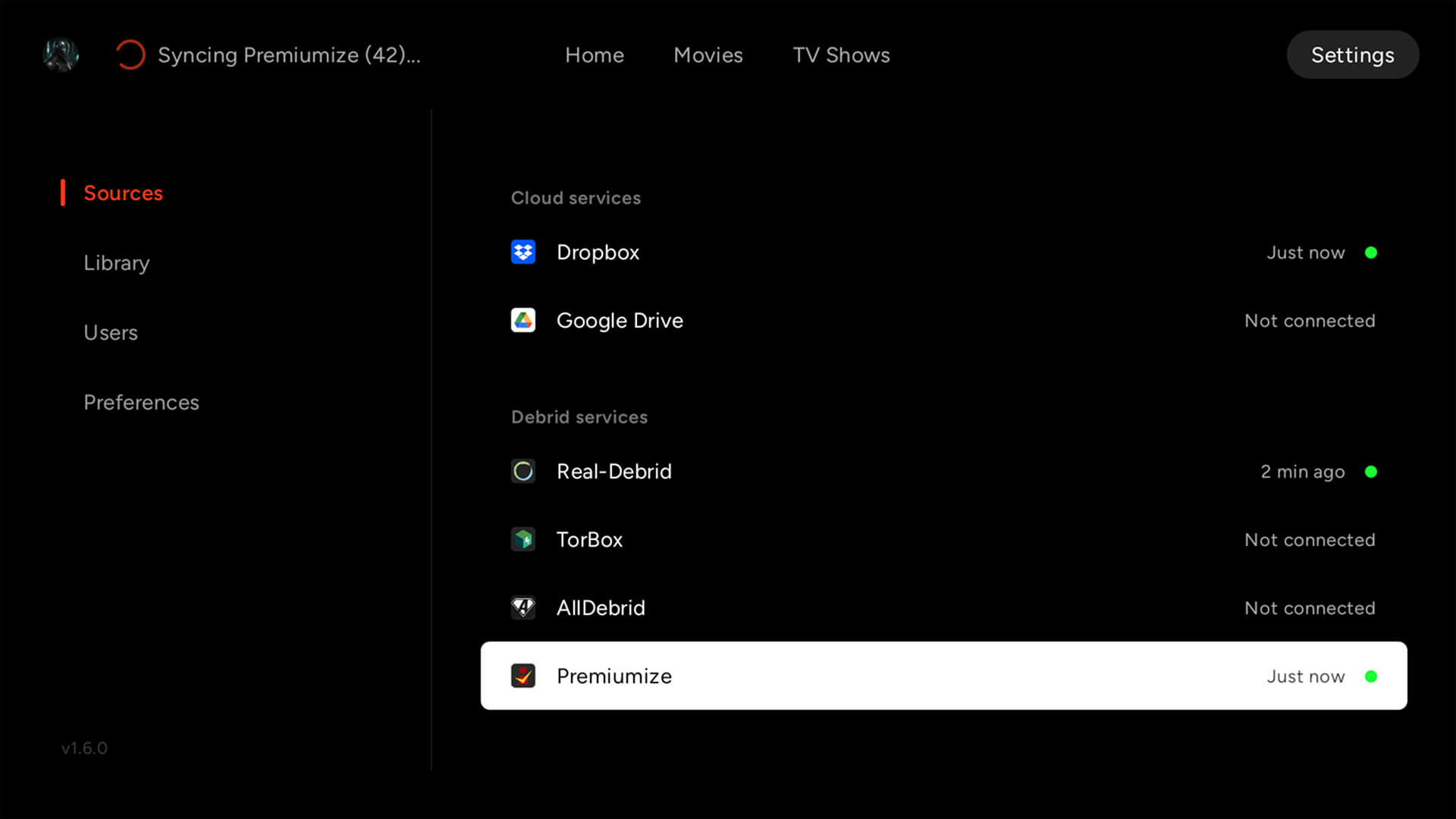
Cinaura also works with Google Drive, RealDebrid, TorBox, AllDebrid and Premiumize, plus your NAS, all merged into a single library. Sources are replaceable. Your library stays.
See how Cinaura compares to PlexA full library, too
Connect any storage into one library.
Every file becomes a proper title.
The best thing to watch is already yours.
Your files, at full quality.
Watch in any language.
Built for how you actually watch.
A shared TV that stays yours.
Common questions
How do I play Dropbox videos on Android TV?
Install Cinaura from Google Play, add Dropbox as a source, and sign in once by scanning a QR code with your phone. Cinaura then organises the videos in your Dropbox into a browsable library with full metadata, and no server is required.
Can Cinaura stream directly from Dropbox?
Yes. Cinaura connects to your Dropbox and plays your videos on your Android TV, presenting them as an organised library rather than a folder of files.
Does Cinaura host or provide any content?
No. Cinaura is a media library app. It doesn't host, provide, recommend or download content. It connects to the sources you already have, like your Dropbox, and presents what is there.
What other sources does Cinaura support?
Alongside Dropbox, Cinaura supports Google Drive, debrid services (RealDebrid, TorBox, AllDebrid, Premiumize) and network shares (SMB, WebDAV), all in one library.
Your Dropbox, as a real library.
Install Cinaura on your Android TV, connect Dropbox in two minutes, and browse your videos the way they deserve. Free, no server, and no second account.