Cinaura vs Jellyfin
Jellyfin gives you a powerful library if you are happy to host and maintain a server. Cinaura gives you the library without any of that. Here is an honest look at both.

you enjoy self-hosting, want a fully open-source server with multi-platform clients and transcoding, and don't mind the upkeep.
you watch on Android TV and want a no-server library with debrid and cloud support that just works.
| Feature | Jellyfin | Cinaura |
|---|---|---|
| Requires a server | Yes, self-hosted | No, runs on the TV |
| Setup difficulty | High, technical | Low, about 2 min |
| Account needed | Local server account | No |
| Open source | Yes | No |
| Pricing | Free | Free |
| Strict file and folder naming | Recommended | Not needed |
| Cloud storage as a source | No | Yes |
| Debrid services (RealDebrid, TorBox…) | No | Yes |
| Server-side transcoding | Yes | No (direct play) |
| Multi-platform clients | Yes | Android TV only |
| Android TV experience | App | Native, built for it |
| Ongoing maintenance | You manage it | None |
Where Jellyfin wins
Where Cinaura wins
Less to manage, by design
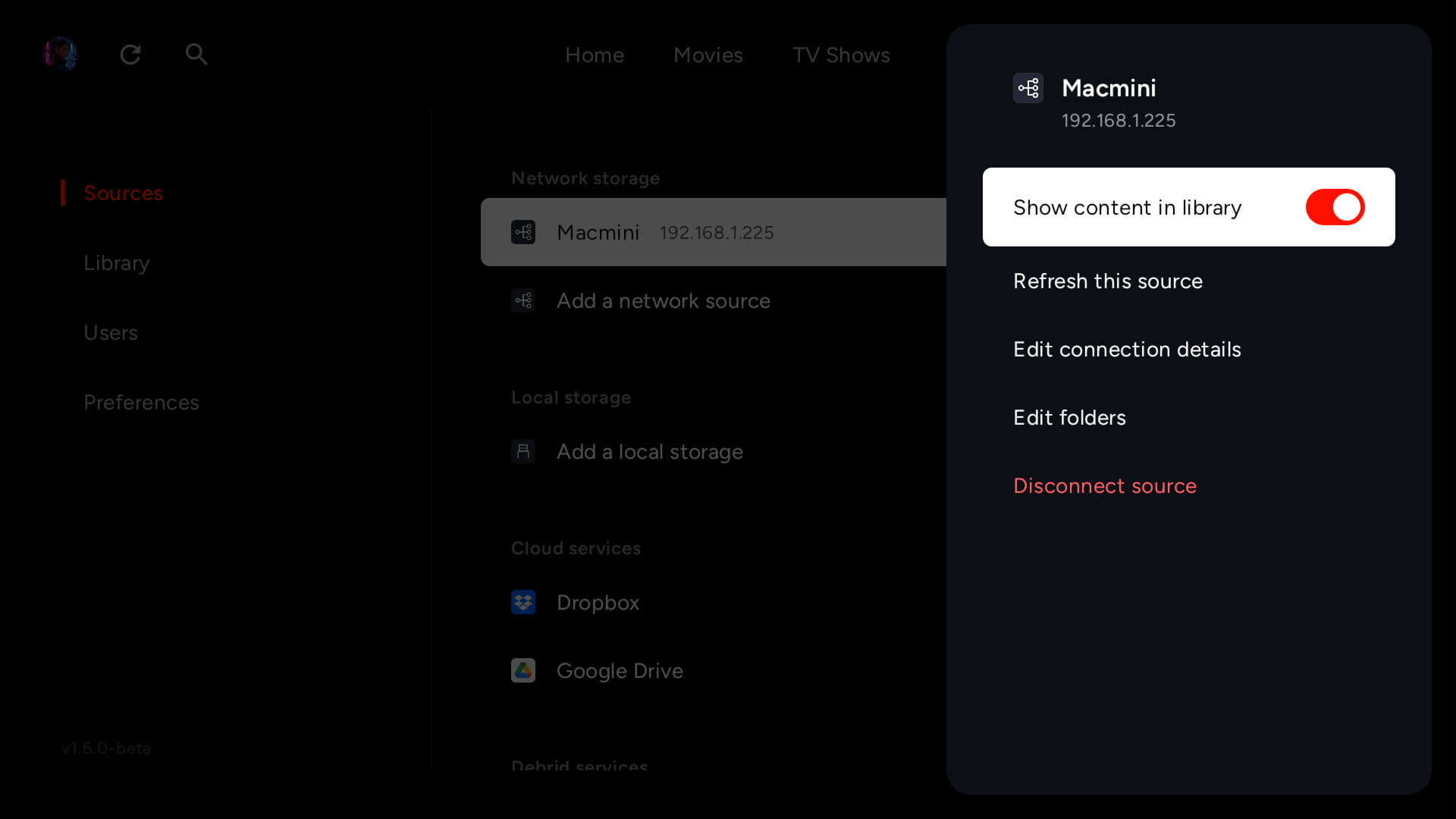
No server to run
Jellyfin is built around a Jellyfin server, software you run on a computer or NAS that has to stay on, updated, and reachable. Cinaura has no server. The app on your Android TV talks straight to your sources and builds the library locally.
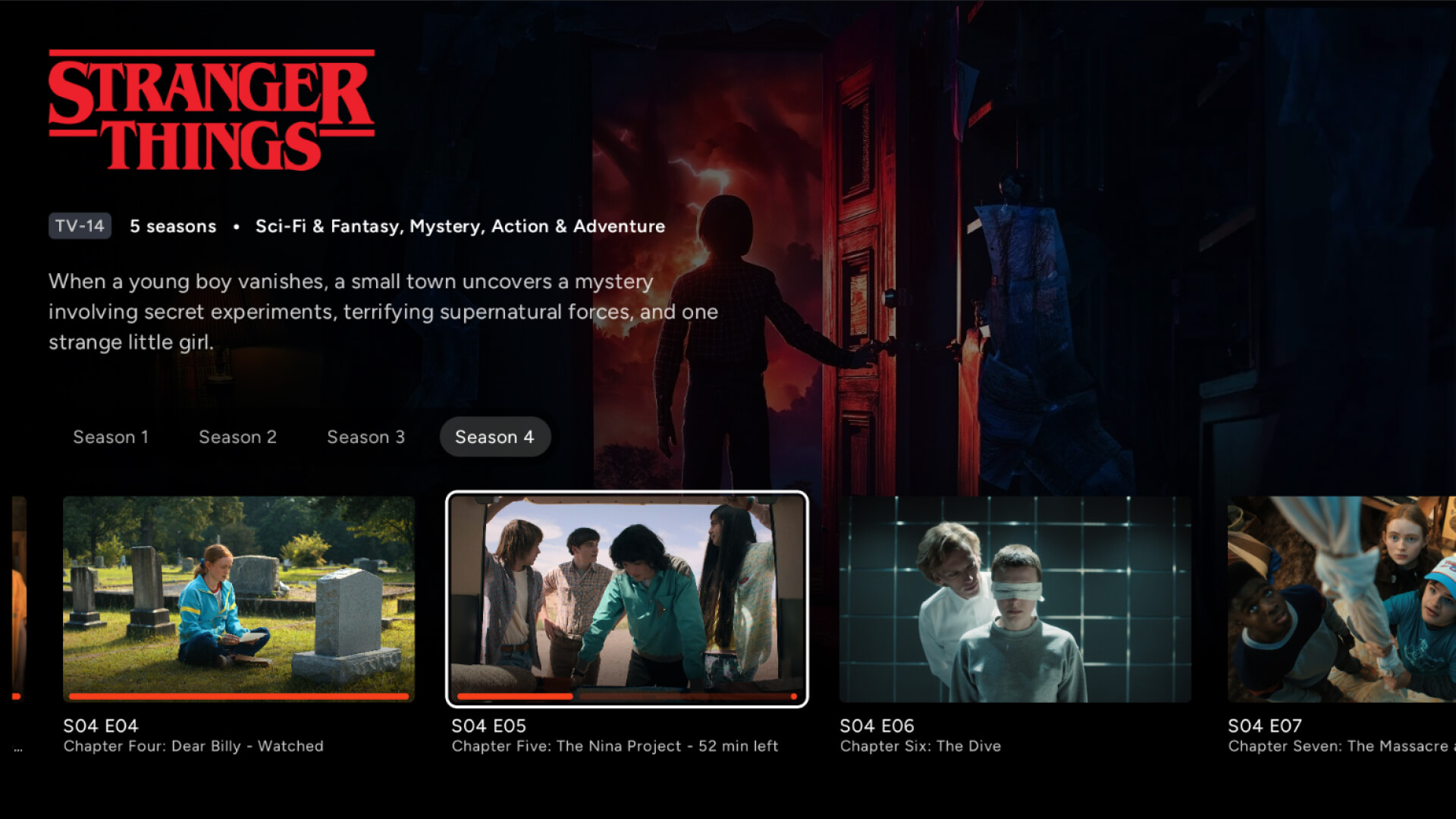
No naming rules, no folder structure
Jellyfin needs your files named and arranged just so, or it will not match them. Cinaura does not care how your files are named or where they live. It parses whatever you have and organises it automagically.
A full library, too
Connect any storage into one library.
Every file becomes a proper title.
The best thing to watch is already yours.
Your files, at full quality.
Watch in any language.
Built for how you actually watch.
A shared TV that stays yours.
Compare Cinaura with others
Common questions
Is Cinaura a Jellyfin alternative?
Yes, for people who want the library without running a server. Jellyfin is excellent if you enjoy self-hosting, but it needs a machine to run on and ongoing upkeep. Cinaura runs entirely on your Android TV, with no server and no maintenance.
Is Jellyfin hard to set up?
Setup and upkeep are the most common complaints about Jellyfin. You install and run the server, keep it updated, and arrange your files for it. Cinaura skips all of that. You install the app, point it at your sources, and it builds the library.
Does Jellyfin support RealDebrid or cloud storage?
Not natively. Jellyfin is designed around local and network files on a server you run. Cinaura connects directly to debrid services and cloud storage, as well as network shares.
Is Cinaura open source like Jellyfin?
No. Jellyfin is fully open-source, which is a real strength if that matters to you. Cinaura is a free app focused on a no-server, native Android TV experience.
The library, without the server.
Install Cinaura on your Android TV and skip the self-hosting. Free, no account, with debrid and cloud support built in.